



Payroll errors can be expensive for construction businesses, especially when crews are spread across multiple job sites. The right construction time clock app helps businesses track hours accurately, verify where employees clock in, and simplify payroll. But not every platform is built for field work. Remote job sites, unreliable cell service, and certified payroll requirements all place different demands on a time tracking system. To help narrow the options, we compared five construction time clock apps based on their features, user reviews, and suitability for field teams.
The shortlist methodology
User reviews, feature documentation, ratings from major platforms, and official product pages were all pulled together to assess each option. Only tools with a real track record in field-based construction environments made the cut. → See the full research breakdown
- Buddy Punch – Best for job-costed time tracking with GPS verification
- My Hours – Best for affordable time tracking for small construction crews
- DeskTime – Best for remote and office-based desk workers
- TimeTackle – Best for office-based project time tracking
- Harvest – Best for construction time tracking with built-in client invoicing
Why Construction Time Clock Apps Are More Than a Line Item
Construction payroll isn’t like payroll in a regular office. Your crews are spread across multiple sites, supervisors can’t always be watching, and one foreman signing off on hours he didn’t verify can cost you thousands before the invoice even goes out.
Buddy punching alone, where one worker clocks in for another, is far more common on unsupervised job sites than most owners want to admit. And if you add unreliable internet at remote locations to that, you’ve got time data that’s incomplete before it even reaches your payroll processor.
The right construction time clock app closes those gaps. GPS-verified punches, geofenced job sites, and job code tracking all work together to shrink the distance between budgeted and actual hours per project phase. That tighter data means faster payroll runs, fewer disputes with subs, and a clearer picture of where your labor costs are actually going.
Quick-Look Comparison: 5 Best Construction Time Clock Apps
Note: All data in this table is sourced from review platforms and the official websites of the listed companies.
| Company Name | Years Operating | Price | Headquartered In | Rating |
| Buddy Punch | Since 2013 | From $4.99/user/month + $19 base fee | Appleton, Wisconsin | 4.8/5 (900+ reviews) |
| My Hours | Since 2002 | From $4/user/month | Ljubljana, Slovenia | 4.8/5 (946 reviews) |
| DeskTime | Since 2010 | From $6.42/user/month | Riga, Latvia / Los Angeles, USA | 4.5/5 (512+ reviews) |
| TimeTackle | Since 2021 | From $7/month | Santa Clara, California | 5.0/5 (3 reviews) |
| Harvest | Since 2006 | From $11/user/month | New York, USA | 4.6/5 (1,500+ reviews) |
- Buddy Punch – Best for Job-Costed Time Tracking with GPS Verification
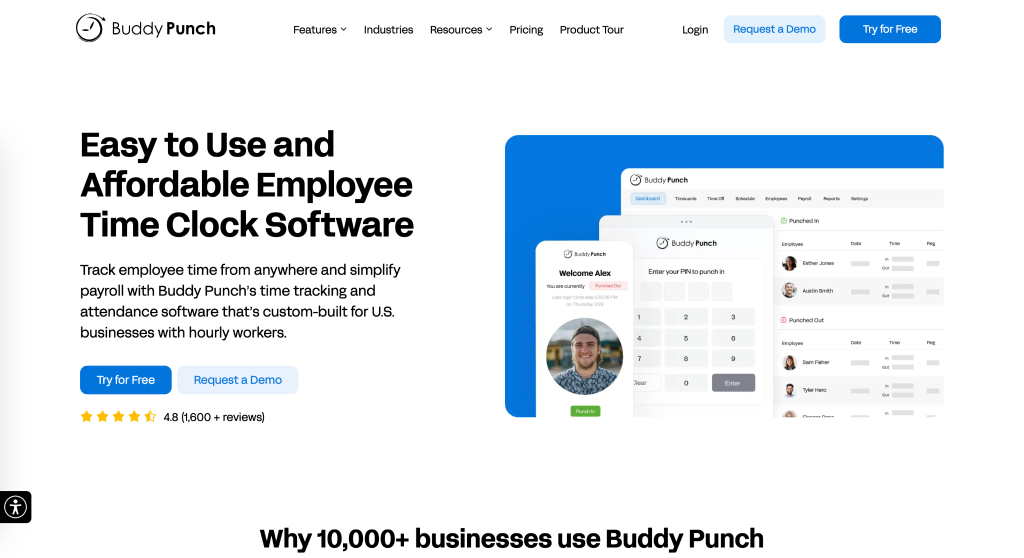
How Can Buddy Punch Be Used?
Buddy Punch gives construction companies a mobile time clock where field workers punch in through their phones while managers see GPS-confirmed locations in real time. Geofencing can require employees to be within an approved job site before they can clock in to specific job site boundaries, so no one can punch in from the parking lot two blocks away. Job codes tie every hour to a specific project or phase, helping businesses track labor costs by project. Integrations with QuickBooks, ADP, Paychex, and SurePayroll help payroll run from verified time data without manual entry.
Why Does Buddy Punch Belong on This List for Construction Time Clock Apps?
Time theft and buddy punching are two of the most persistent cost leaks in construction, and Buddy Punch addresses both directly through geofencing and GPS-verified punches tied to specific job sites. That combination of location accountability and job code tracking makes it one of the more practical, field-ready options on this list.
Real-World User Take:
From what the reviews show, the thing users mention most is how quickly their crews actually adopted it, which isn’t always a given with field workers who aren’t tech-savvy. The payroll integrations get consistent praise for cutting down manual entry time. The main complaints are around offline functionality in dead zones and a few advanced features sitting behind add-on pricing, which is worth knowing before you commit.
- My Hours – Best for Affordable Time Tracking for Small Construction Crews
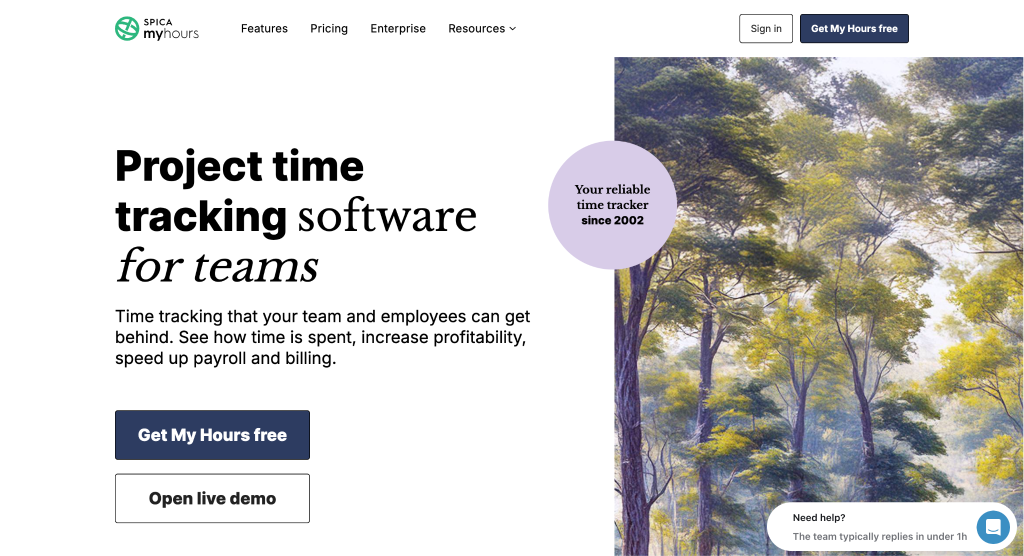
How Can My Hours Be Used?
My Hours lets contractors assign workers to specific projects and track labor hours by job, with flexible billing rates that can differ by project or team member. Timesheet approvals keep the record-keeping clean, and QuickBooks integration means the data flows into payroll without a separate export step. The free tier makes it worth testing before any money changes hands. For small crews where simplicity beats feature depth, it holds up well.
Why Does My Hours Belong on This List for Construction Time Clock Apps?
Small contractors often get priced out of the more full-featured platforms, and My Hours fills that gap with solid project-based time tracking at a price that actually makes sense for a 5-person crew. The straightforward approach to labor cost tracking by job keeps things manageable without requiring a dedicated payroll admin to run it.
Real-World User Take:
Reviews consistently point to the clean interface and the generosity of the free plan as standout qualities (not common in this category). Users with varying tech comfort levels report picking it up quickly. The honest limitation, which reviewers mention often, is that it doesn’t offer GPS tracking or geofencing, so it’s better suited to crews where location verification isn’t a daily concern.
- DeskTime – Best for Remote and Office-Based Desk Workers
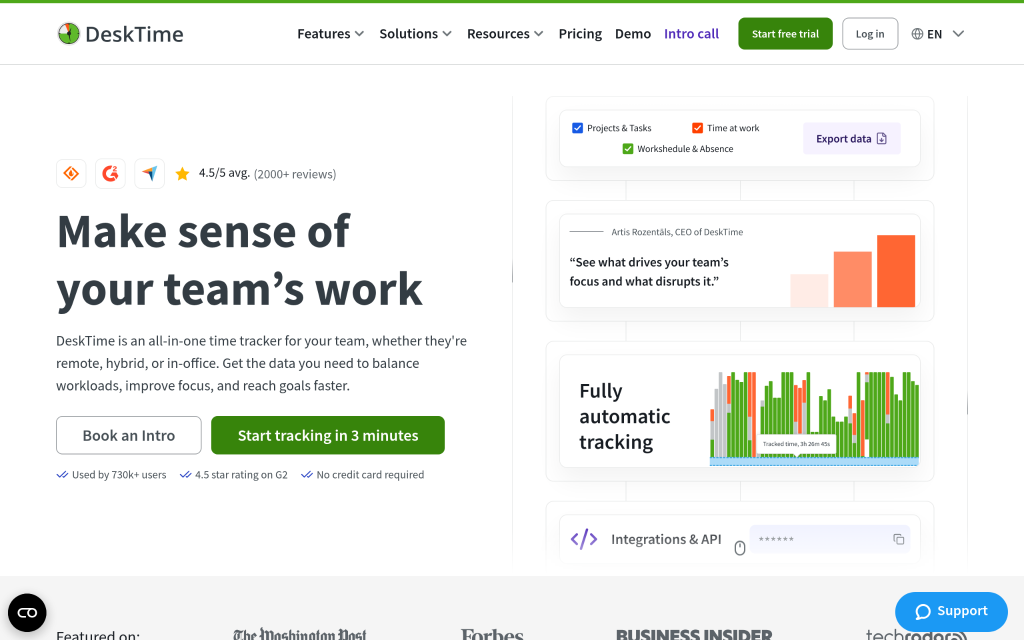
How Can DeskTime Be Used?
DeskTime automatically tracks time by monitoring which applications and websites are active on a computer, which makes it genuinely useful for remote workers and project managers who operate from a desk. It handles shift scheduling, attendance tracking, and project reporting with minimal manual input. For construction office staff managing estimates, contracts, or project coordination, it gives visibility into how work hours are actually being spent.
Why Does DeskTime Belong on This List for Construction Time Clock Apps?
Construction businesses aren’t all field crews. The administrative and project management side of the operation needs time tracking too, and DeskTime fills that need for office-based roles. It’s worth being upfront that field crews on job sites won’t get much out of it, since GPS and geofencing aren’t part of what it does.
Real-World User Take:
Users in office settings praise DeskTime for its automatic tracking and the detailed productivity dashboards, which take the guesswork out of timesheet accuracy. From what the reviews show, the frustration usually comes from field-based users who expected GPS functionality and didn’t find it. It’s genuinely well-built for what it is, as long as you’re not trying to use it to manage workers on a job site.
- TimeTackle – Best for Office-Based Project Time Tracking
How Can TimeTackle Be Used?
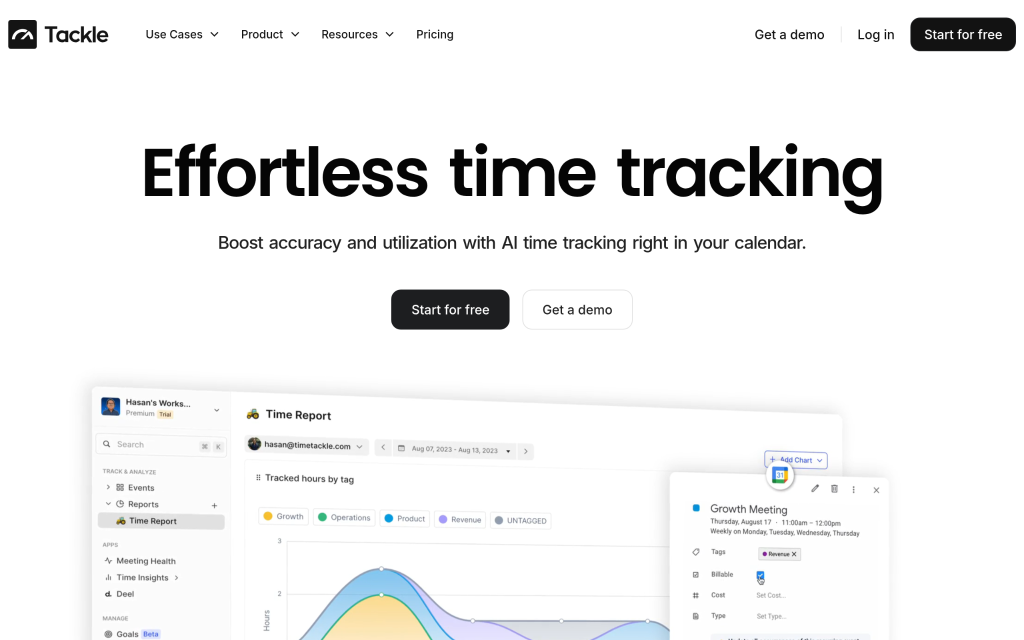
TimeTackle pulls time data directly from Google and Outlook calendars, letting project managers categorize meetings and tasks with custom tags without manually entering hours. A workflow builder and machine learning layer help automate the categorization over time. For construction firms where office staff and project coordinators need to track their time across multiple active projects, it removes the friction of manual logging entirely.
Why Does TimeTackle Belong on This List for Construction Time Clock Apps?
Project managers and administrative staff on construction teams often get overlooked when firms shop for time tracking tools, mostly because the focus lands on field crew management. TimeTackle handles that office-side gap well, making it a practical complement to a field-focused tool rather than a standalone solution for the full crew.
Real-World User Take:
The reviews are small in number (only a handful on major platforms) but consistently positive, with users pointing to the tagging system and the ease of tracking multiple calendars as the main draws. The limited review volume makes it hard to draw firm conclusions about long-term reliability. It’s a newer platform, and that shows, though the early signals are solid for the specific use case it targets.
- Harvest – Best for construction time tracking with built-in client invoicing
How Can Harvest Be Used?
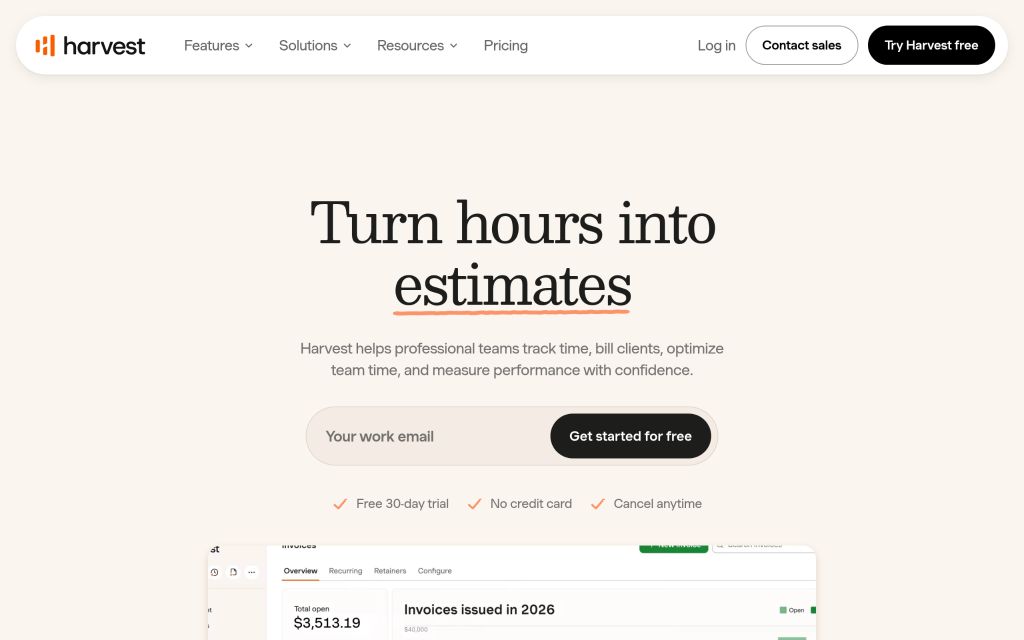
Harvest gives construction teams a mobile app where field workers can log hours and expenses from job sites in real time, with receipt capture for material costs alongside labor entries. Project-based tracking links every hour to a specific job, and reporting shows labor cost and margin by project phase. QuickBooks and Xero integrations handle the accounting side without exporting spreadsheets manually. For contractors who also need to generate client invoices from the same tool, Harvest ties it all together.
Why Does Harvest Belong on This List for Construction Time Clock Apps?
Contractors who bill clients by the hour or by project phase need time data and invoicing to live in the same place, and Harvest has been doing exactly that reliably since 2006. The maturity of the platform gives it an edge in accounting and reporting that newer tools are still working toward.
Real-World User Take:
Harvest has strong historical reviews for ease of use and invoicing quality, which reflects nearly two decades of refinement. From what recent reviews show, the acquisition by Bending Spoons in 2025 introduced pricing changes that caught some long-term users off guard (some reporting increases of several hundred percent). It’s still a capable platform, but checking the current pricing structure before committing is the smart move.
How the Top Contenders Were Selected
Information Assembly for Your Analysis
The research started by pulling together a broad list of time tracking tools with any presence in the construction space. Sources included software review platforms, industry directories, product documentation from official company websites, and published case studies. The goal at this stage was breadth, getting enough candidates on the table so that the filtering process would have real options to work through.
Filtering Candidates Against Your Criteria
Once the initial list was assembled, each tool was measured against a set of baseline requirements for construction use. Options without verifiable user reviews, or with review histories that showed consistent gaps in field-relevant features (like mobile functionality, GPS tracking, or project-based cost tracking), were moved out of contention. Review patterns were read for signals about real-world performance, not just feature marketing.
Authenticity Review
Each company’s stated capabilities were cross-checked against what actual users reported experiencing. When a product page claimed GPS functionality, reviews were scanned to confirm whether field users found it reliable in actual use. Where gaps appeared between claims and reality, those findings shaped how each tool was described. This step kept the final list grounded in what the tools actually do rather than what the product copy says they do.
Awards, Mentions, and Industry Voice
Recognition from industry publications, mentions in contractor forums and trade media, and any original research or data published by the companies themselves were factored in as supporting signals. These didn’t override review evidence, but consistent positive mentions across independent sources added weight to a tool’s credibility in the construction market. Tools without any external validation beyond their own marketing were held to a higher review standard.
Evidence That Matters for Construction Time Clock Apps
The final selection gave extra weight to tools with dedicated construction-focused product pages, verified reviews from contractors and project managers (rather than generic office users), and case studies showing measurable outcomes like payroll time savings or time theft reduction. A tool could have strong general reviews and still fall short here if there was no evidence it had been meaningfully tested in a field construction context. That distinction drove several of the final placement decisions.
Decision Factors When Picking Construction Time Clock Apps
Choosing a time tracking app for a construction operation involves more than picking the one with the best-looking interface. The field conditions, crew size, and billing requirements all shape which features actually matter for your business.
- Industry/Domain Experience: Look for tools that have been tested by actual contractors and field crews, not just office teams. Construction-specific language in the product, dedicated support documentation for contractors, and verified reviews from people managing job sites all signal that the tool understands the environment.
- Features and Service Offerings: GPS verification, geofencing, job code tracking, and mobile offline capability are the features that separate a construction-ready app from a general time tracker.
- Pricing Structure: Per-user pricing adds up quickly when you’re managing a large crew. Factor in base fees, add-ons, and whether the pricing holds as your headcount grows.
- Results Measurement: The tool should give you clear reporting on labor cost variance by project, overtime hours, and clock-in compliance rates so you can actually measure whether it’s working.
- Industry Knowledge and Compliance: For government contracts, certified payroll reporting and Davis-Bacon Act compliance support aren’t optional. Confirm the tool either handles these directly or connects with something that does.
The Takeaway
Picking the right construction time clock app comes down to how well it fits your actual field conditions. GPS verification and geofencing matter most if buddy punching is a real problem on your sites. Job code tracking matters most if job costing drives your project decisions. The right choice depends on your crew size, workflow, and compliance requirements.